Open a custom loadout from a share code
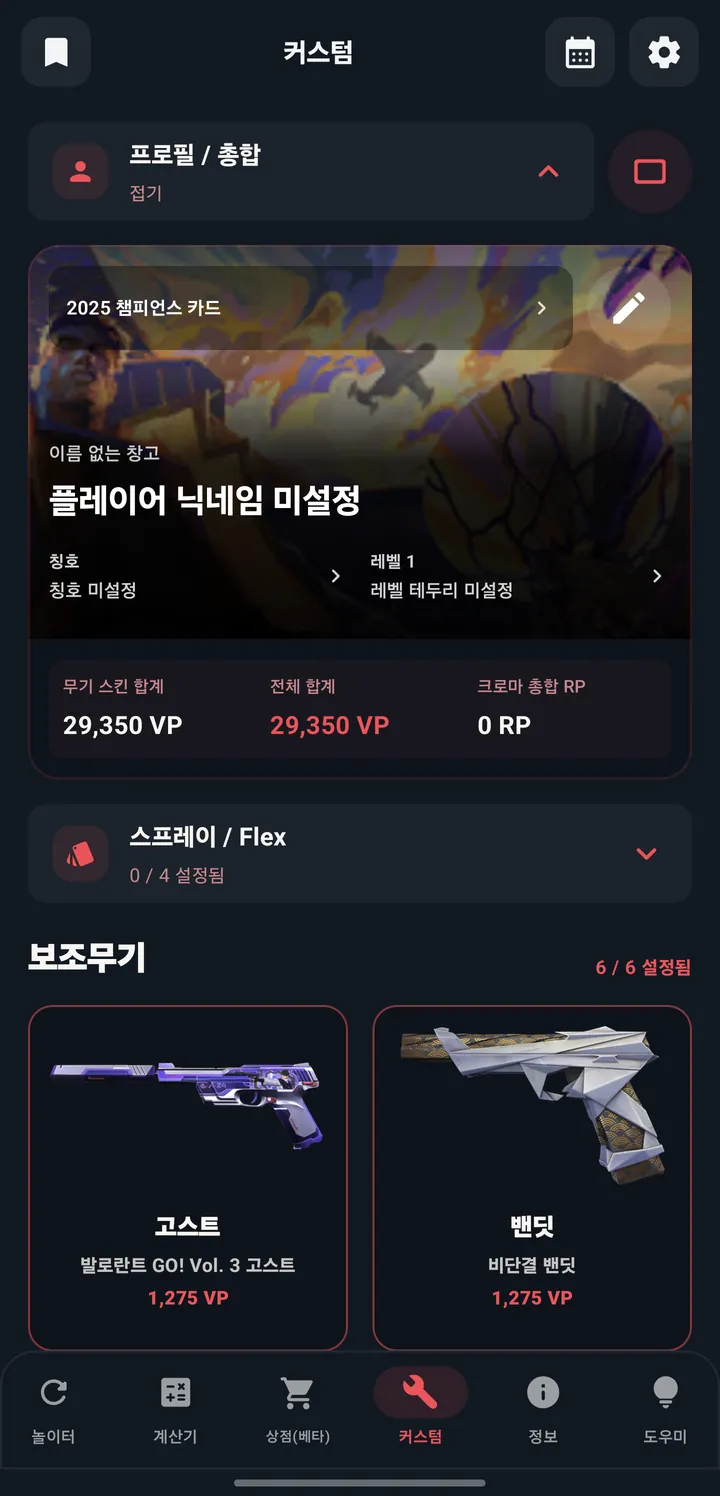
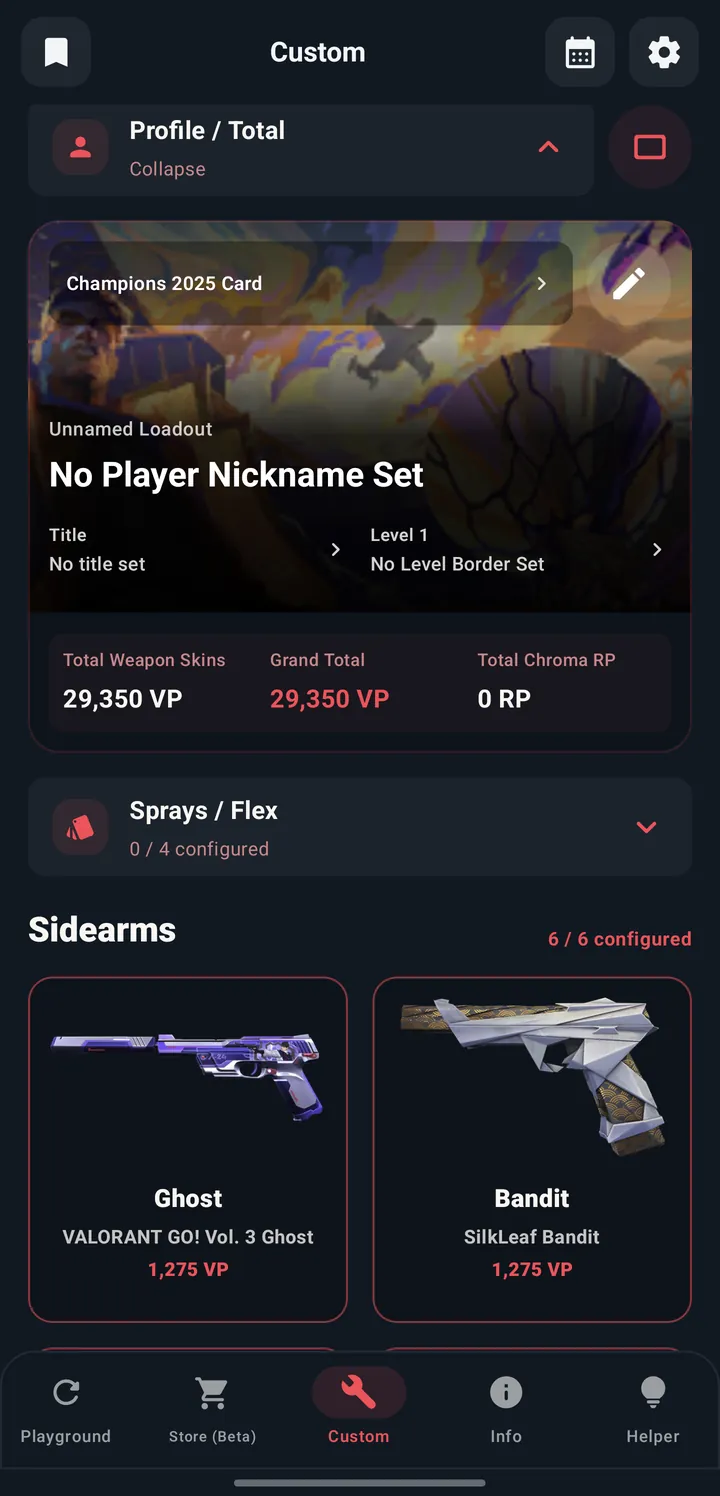
Paste a share code or link copied from the GO VAL app to see its weapon skins, player card, and sprays in one view.
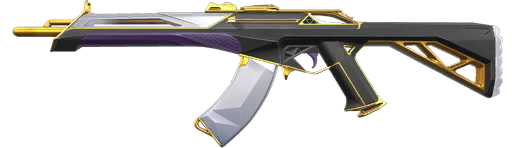
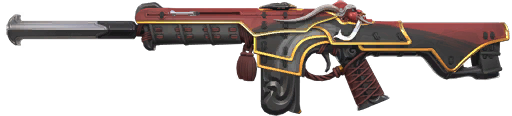

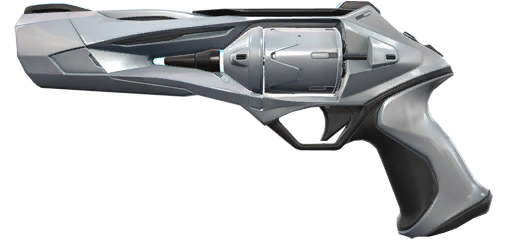
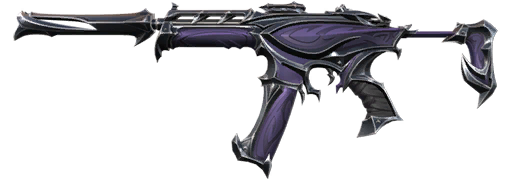

Sprays & Flex
Open this loadout in GO VAL
If GO VAL is installed, this loadout opens right in the app. If not, you'll go to the store.
Paste a share code
Copy the share code from the Custom tab in the GO VAL app and paste it here.
How to share a loadout
No sign-in needed.
Build a loadout in the app
Pick skins and a profile in the GO VAL app, then copy the share code.
Paste the code
Put the code or share link in the box above and select Load.
Send the link
Copy the link and send it to a friend. Select any skin to see it larger.
Code won't open, or images are missing?
Make sure the code isn't cut off, connect to the internet, and try again. V1 codes may not include VP/RP totals. Short links and Open in app need the short-link server and an installed app.
How is information in the share code handled?
Codes are decoded in this browser. When you send a link, the nickname and loadout in the code are visible to whoever opens it. Creating a short link sends the share link to the YeeStudio short-link server. This page also connects to outside services for the catalog, images, and ads (valorant-api.com, Google AdSense).
 GO VAL Daily
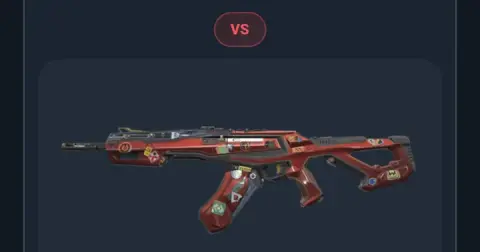 This week on GO VAL
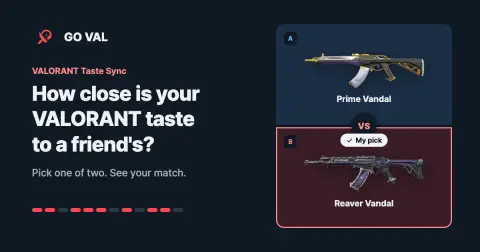 Taste Sync